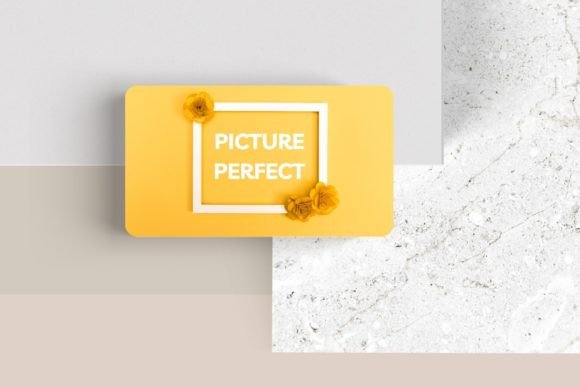
Editable Canva Business Card #55: Your Networking Game Changer
Let's be honest: in a world of digital connections, a physical business card still holds immense power. It’s a tangible piece of your brand, a handshake you can leave behind. But a generic, templated card often ends up in the recycling bin. The goal is to create a card that doesn't just share information, but sparks a conversation and sticks in someone's memory. That’s the specific problem the Editable Canva Business Card #55 is designed to solve—it’s not just a template, but a flexible design system for your professional identity.
A Design Built for Real-World Branding
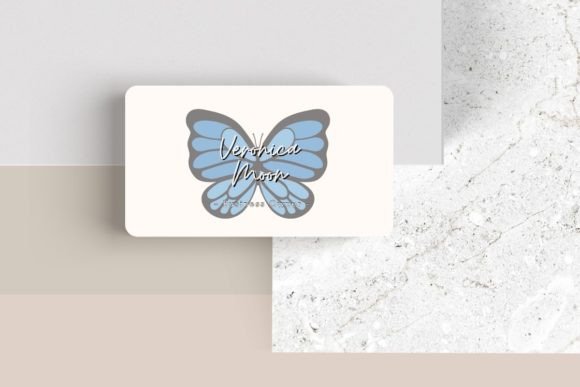
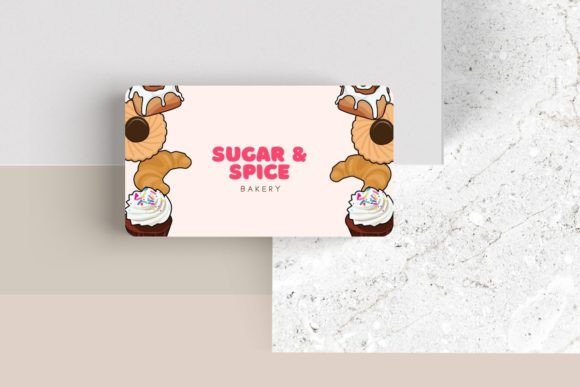
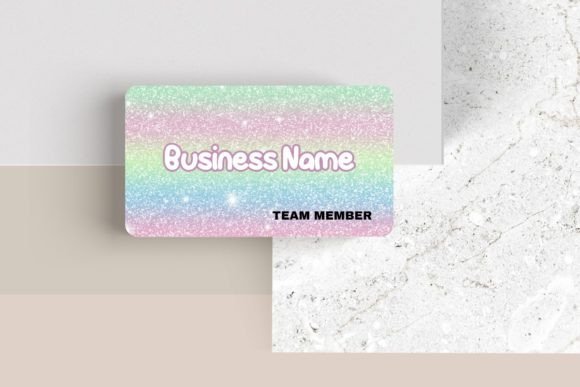
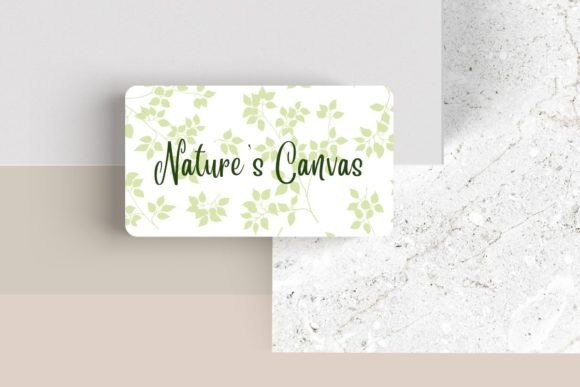
What immediately sets this template apart is its clean, modern aesthetic. It avoids visual clutter, focusing instead on a sophisticated layout that prioritizes readability and impact. The design style leans into contemporary trends with ample white space, balanced typography, and subtle geometric elements. This isn't about flashy graphics; it's about presenting your information with clarity and confidence. The standard 3.5″ x 2″ dimensions ensure it fits perfectly in any cardholder or wallet, while the design inside uses that space intelligently.
The true value lies in its editability. You're not just changing the name and phone number. You have complete control to tailor every aspect to your brand's unique personality:
- Typography Control: Adjust the font, font color, and size to match your existing brand guidelines. This is crucial for visual consistency across all your marketing assets.
- Logo Integration: Easily add your own logo, placing it where it will have the most impact without overwhelming the contact details.
- Layout Flexibility: Move elements around to create a custom hierarchy. Maybe you want your title more prominent, or your website URL featured more centrally.
- Creative Expansion: Add additional elements like a subtle pattern, a brand icon, or even a professional headshot if it aligns with your brand strategy.
More Than Just a Card: A Foundation for Your Brand Identity
Think of this business card template as the starting point for a cohesive visual language. The modern typography and balanced layout principles used here can be extended far beyond a 3.5″ x 2″ rectangle. Consider these practical applications:
Brand Consistency: By choosing your brand fonts and colors within the Canva template, you’re establishing rules. You can then use those same exact settings for your social media graphics, creating Instagram story templates or LinkedIn banners that feel instantly recognizable. The clean lines translate beautifully to digital platforms.
Packaging and Print Materials: If you sell physical products, the design style of Card #55 can inspire your packaging. The same minimalist approach can be used for hang tags, thank you cards, or sticker designs, creating a unified unboxing experience. For service-based businesses, it informs the design of your letterheads, invoices, and presentation folders.
Digital Presence: The principles of clear typography and strategic spacing are fundamental to good web design. Use the font pairings you select in Canva as a guide for your website’s headings and body text. This ensures your online presence feels as polished and professional as the card someone holds in their hand, strengthening brand recognition at every touchpoint.
Practical Tips for Making This Template Your Own
Getting the most out of an editable template requires a bit of strategy. Here’s how to approach it like a designer or brand strategist:
Start with Your Brand Core: Before you even open Canva, define your brand's personality. Is it professional and authoritative, or friendly and approachable? Your font choices should reflect this. A crisp sans-serif font conveys modernity and efficiency, while a classic serif can suggest tradition and reliability. The template’s flexibility allows you to test these different personalities.
Prioritize Readability Above All: It’s tempting to choose the most stylish script or display font for your name. But if it’s hard to read at a glance, it fails the primary function of a business card. Test your design at a small scale. Can you easily read the key information? This is especially important for contact details like phone numbers and email addresses.
Master Font Pairing: The template likely uses a combination of fonts—a bolder one for headings and a cleaner one for body text. This is a core principle of modern typography. When you customize, maintain this contrast. A common and effective pairing is a sans-serif font with a serif font, or a bold weight with a regular weight of the same typeface family. This creates visual interest without chaos.
Consider Commercial Licensing: This is a critical, often overlooked step. The fonts integrated into Canva templates come with Canva’s licensing, which typically allows for commercial use on designs you create within the platform. However, if you decide to use a specific font family from the template across all your brand assets—like on merchandise or a large print run—it’s wise to verify the specific license of that font to ensure it covers your intended use case. This due diligence protects your business as it grows.
Elevate Your Professional Presentation
Ultimately, a business card is a microcosm of your brand. A poorly designed card can undermine your credibility, while a thoughtfully crafted one reinforces it instantly. The Editable Canva Business Card #55 provides the structure and style, but the real magic happens when you infuse it with your unique brand story.
It empowers freelancers to compete with larger agencies, gives entrepreneurs a polished tool for investor meetings, and allows small business owners to make a memorable first impression. It’s about using design assets strategically to communicate professionalism, creativity, and attention to detail—all before you’ve said a word. In the networking game, that kind of silent communication is invaluable. So, open the template, play with the elements, and create a card that doesn’t just sit in a stack, but starts a conversation.