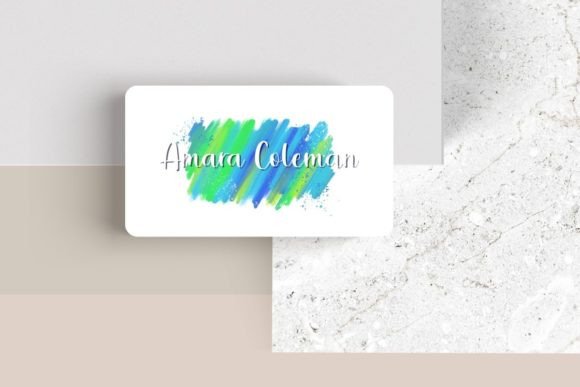
Design Your Professional Edge with Editable Canva Business Card #1
You’ve just wrapped up a great conversation at a networking event or a client meeting. You reach into your wallet or bag, and you hand over a business card. That small rectangle of cardstock is doing a lot of heavy lifting—it’s a physical handshake, a first impression, and a tiny billboard for your brand all at once. If the design feels generic, cluttered, or outdated, it can undermine the great work you do. A thoughtfully designed card, however, tells a story of professionalism, attention to detail, and brand personality before a single word is read. This is where having the right design asset becomes crucial, moving you from a standard template to a standout piece of your brand identity.
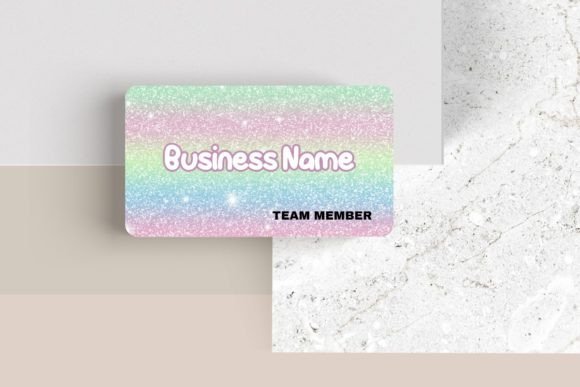
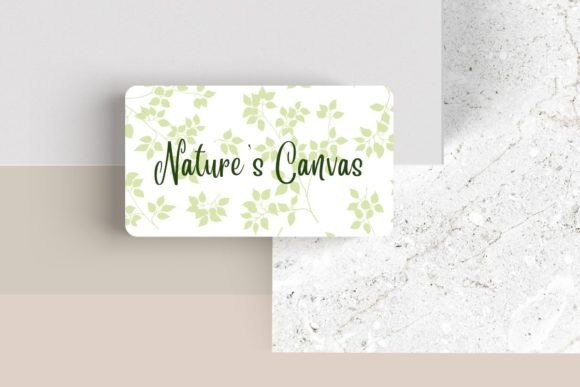
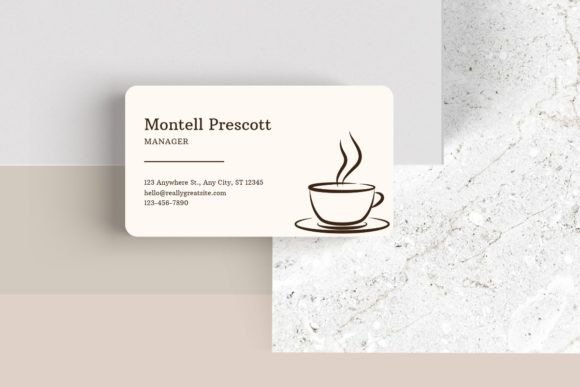
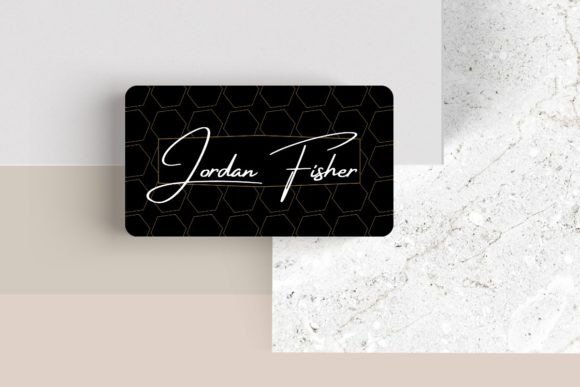
The Editable Canva Business Card #1 is built for this exact purpose. It’s not just a static file; it’s a flexible foundation for creating a business card that feels uniquely yours. The sleek, modern layout provides a clean canvas that prioritizes clarity and visual appeal. What makes it particularly useful is its adaptability. You’re not locked into a single color scheme or font pairing. Instead, you have direct control over the core elements—font, font color, and size—allowing you to align every detail with your existing brand palette and typographic style. Need to add your logo? Simply upload it and place it where it has the most impact. The design is modular, meaning you can move elements around to create a layout that best showcases your information, whether that’s emphasizing your title, your website, or a tagline. You can even add additional elements like photos or logos to reinforce your visual identity further.
More Than a Card: A Tool for Visual Consistency
One of the biggest challenges in branding is maintaining consistency across every touchpoint. Your business card should feel like it belongs in the same family as your website, your social media graphics, and your packaging. This editable template makes that achievable. By using it as a starting point, you can ensure the modern typography and color choices you make for your card are the same ones you use elsewhere. This repetition is what builds brand recognition. When a potential client sees the same clean sans-serif font and color accent on your Instagram story as they do on your card, the connection becomes subconscious and powerful.
Think of this design as a core piece of your brand identity toolkit. The principles you apply here—choosing a premium font that reflects your brand’s voice, selecting a color that evokes the right emotion, arranging information for maximum readability—are the same principles you’ll use when designing a poster for an event, creating a layout for a digital product, or choosing a typeface for your blog headings. The card becomes a practical exercise in your broader visual strategy.
Practical Applications Beyond the Networking Event
While its primary function is as a business card, the design thinking behind the Editable Canva Business Card #1 has direct applications for a wide range of creative and commercial projects. The clean, balanced layout is a masterclass in editorial design and web design principles, where information hierarchy and visual breathing room are key.
Consider these real-world uses:
- Brand Collateral: Use the same font choices and color scheme to design matching letterheads, email signatures, and invoice templates, creating a unified professional suite.
- Social Media Graphics: The card’s dimensions (3.5″ x 2″) are perfect for creating Instagram Story highlight covers or quote graphics that feel cohesive with your printed materials.
- Packaging Design: If you sell physical products, the elegant simplicity of the design can inspire hang tags, thank you cards, or sticker designs that accompany your packaging.
- Marketing Assets: Adapt the layout for digital ads, webinar slides, or PDF lead magnets. The focus on clean lines and legible text ensures your message is always clear.
- Invitations & Event Materials: The template’s versatility allows you to easily transform it into sleek event invitations, name badges, or program schedules for workshops and conferences.
The goal is to build a visual language, not just a single asset. Starting with a well-structured, editable business card template like this one gives you a proven framework to apply across all your design assets.
Making Smart Typography Choices for Your Brand
Customizing the template is where your personal brand truly comes to life. The fonts you choose carry significant weight. A serif font can convey tradition, reliability, and a touch of formality—ideal for consultants, law firms, or artisanal brands. A sans-serif font, often used in modern typography, feels clean, approachable, and contemporary, perfect for tech startups, coaches, and creative agencies. If your brand has a more personal, crafted feel, a script font or handwritten font for your name or tagline can add warmth, though it’s crucial to pair it with a highly legible sans-serif for your contact details.
Here’s a practical checklist for customizing your card:
- Start with Your Logo: Upload it first. Its colors and style should guide your font and accent color choices.
- Choose a Primary Typeface: Select one font family for your name and key details. Stick to one or two weights (e.g., Regular and Bold) for consistency.
- Test Readability: Zoom out in Canva. Can you read the phone number and website at a glance? If not, increase the font size or simplify the information.
- Consider a Font Pairing: For a more dynamic look, pair two complementary fonts. A common strategy is a stylish serif for your name and a clean sans-serif for your contact info. The template’s layout makes testing these pairings simple.
- Review the Included Font Styles: If you use a commercial font from Canva’s library, double-check the licensing to ensure it covers your intended use, especially for merchandise or digital products if you plan to sell items featuring the design.
Remember, the most beautiful creative font is useless if people can’t quickly grasp the essential information. Readability always trumps pure artistic expression for a functional item like a business card.
Elevating Your Professional Presentation
In a world saturated with digital noise, a tactile, well-designed business card remains a powerful tool. It demonstrates an investment in your brand and a respect for the person you’re giving it to. The Editable Canva Business Card #1 provides the structure and flexibility to create that tool without needing advanced design software or skills. It’s about giving you the power to customize every detail, from the font weight to the placement of your logo, ensuring the final product is a true reflection of your professionalism and style.
By using this template as a launchpad, you’re not just printing contact information. You’re crafting a marketing asset that works for you long after the initial meeting, reinforcing your brand identity and making a lasting impression. It’s a practical, hands-on way to engage with the core principles of good design—clarity, consistency, and personality—and apply them directly to your business. Take the time to experiment, test different combinations, and create a card that you’re genuinely excited to hand out. That confidence is what truly helps you stand out from the crowd.